Staying Connected: Renting a Smartphone & Pocket WiFi in Indonesia
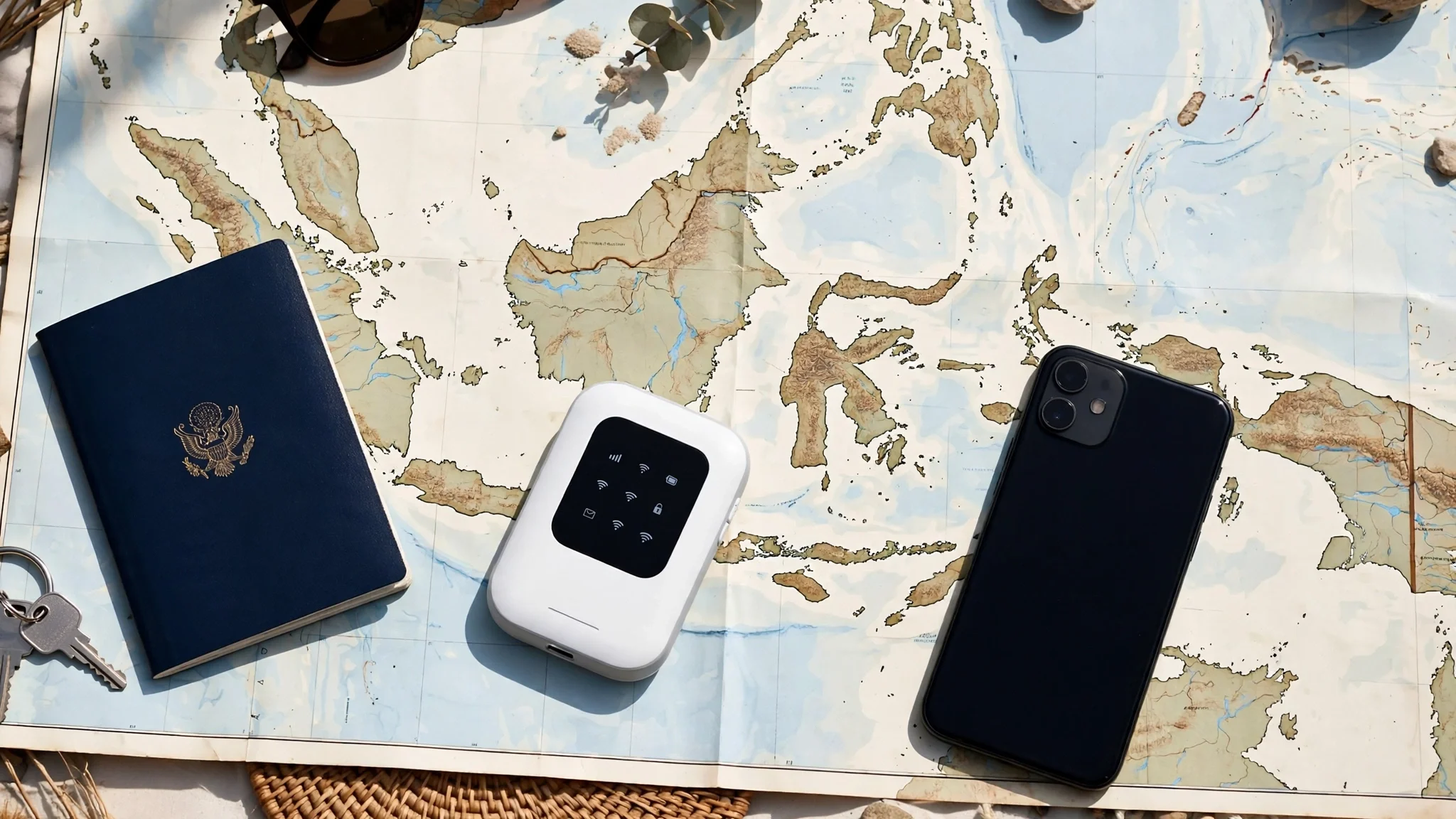
Landing in Jakarta or Bali without working data is a rough start — you need maps, ride-hailing apps, and translation just to reach your hotel. Tourists have three main options: a local SIM card, a pocket WiFi device, or renting a smartphone outright. Here's how each works and which suits your trip.
Option 1: Local SIM Card (Cheapest for Most Tourists)
Tourist SIM cards from Telkomsel, XL, or IM3 are sold at airport arrivals and convenience stores everywhere. By Indonesian law, SIM registration requires ID — bring your passport, and the seller will register it on the spot.
Things to know:
- Tourist SIMs typically include 15–25 GB of data valid for 30 days, starting from around Rp100,000 (roughly $6 USD).
- Foreign phones and IMEI: Indonesia requires phone IMEI registration for local network use. Tourist SIMs generally work for short visits, but if your phone shows "no service," ask the seller for help — they deal with this daily.
- Coverage is excellent in cities and tourist areas; remote islands can be patchy regardless of provider.

Option 2: Pocket WiFi Rental (Best for Groups and Heavy Users)
A pocket WiFi is a small device that creates a personal hotspot for 5–10 devices at once. It's ideal if you're traveling with family, working remotely, or carrying multiple gadgets.
- No SIM swapping, no IMEI worries — it just works.
- Battery lasts a full day of sightseeing; charge it overnight like your phone.
- Rental generally starts from around Rp30,000–Rp50,000 per day (roughly $2–$3 USD), often with unlimited or high-quota data.
- Arrange delivery to your hotel before arrival so you're connected from minute one.
Option 3: Renting a Smartphone (Best If Your Phone Won't Cooperate)
If your own phone is locked to a carrier, damaged, or incompatible with Indonesian networks, renting a smartphone solves everything at once:
- The device comes with a local number and data ready to go.
- Useful as a second phone for ride-hailing apps (Gojek, Grab) and local contacts while keeping your main phone on WiFi.
- You'll need your passport for verification and a refundable security deposit.
- Rental rates generally start from around Rp20,000–Rp50,000 per day (roughly $1.50–$3 USD) depending on the model.

Which Option Is Right for You?
| Situation | Best choice |
|---|---|
| Solo traveler, 1–2 weeks | Local SIM card |
| Family or group sharing data | Pocket WiFi |
| Remote worker needing backup internet | Pocket WiFi + local SIM |
| Phone locked, broken, or incompatible | Rent a smartphone |
| Island-hopping with spotty signal | Local SIM (Telkomsel has the widest rural coverage) |
5 Connectivity Tips for Indonesia
1. Buy or arrange your connection at the airport. Don't leave arrivals without working data.
2. Download offline maps (Google Maps) for your destinations as backup.
3. WhatsApp is essential — it's how Indonesians communicate, from hotel staff to rental vendors.
4. Carry a power bank. Navigation and ride-hailing drain batteries fast in the heat.
5. Test everything before leaving the counter — data, calls, and hotspot tethering.

eSIM: A Fourth Option Worth Knowing
If your phone supports eSIM, you can buy an Indonesian eSIM data plan online before you even board your flight — companies like Airalo and Holafly sell tourist eSIMs for Indonesia starting from a few dollars. You land connected with zero paperwork. The catch: eSIMs are data-only (no local phone number for ride-hailing verification), so many travelers pair an eSIM with a cheap local SIM for calls.
Land Connected, Travel Smoothly
A few minutes of planning before you fly means maps, rides, and messages work from the moment you land. Pick the option that fits your trip, and Indonesia becomes wonderfully easy to navigate.
Ready to rent? Visit desasewaindonesia.com